
Accessing Your NCCAA Account
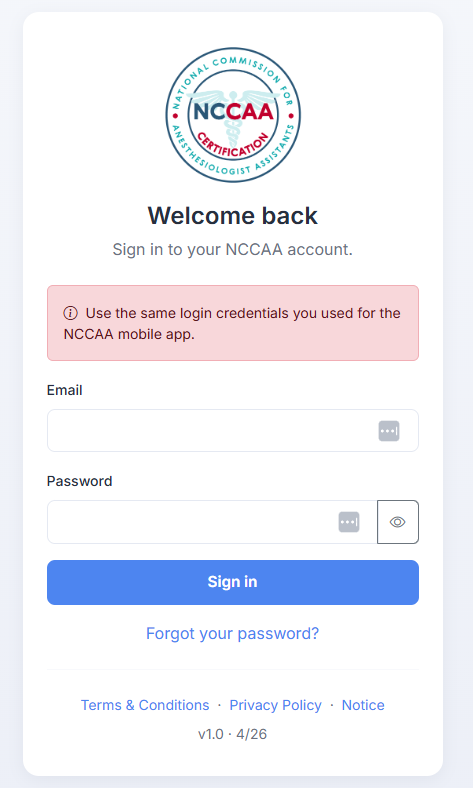
The NCCAA web portal at https://nccaa.org/portal/login provides full access to all the functionality you count on — from any browser, on any device, with no download required.
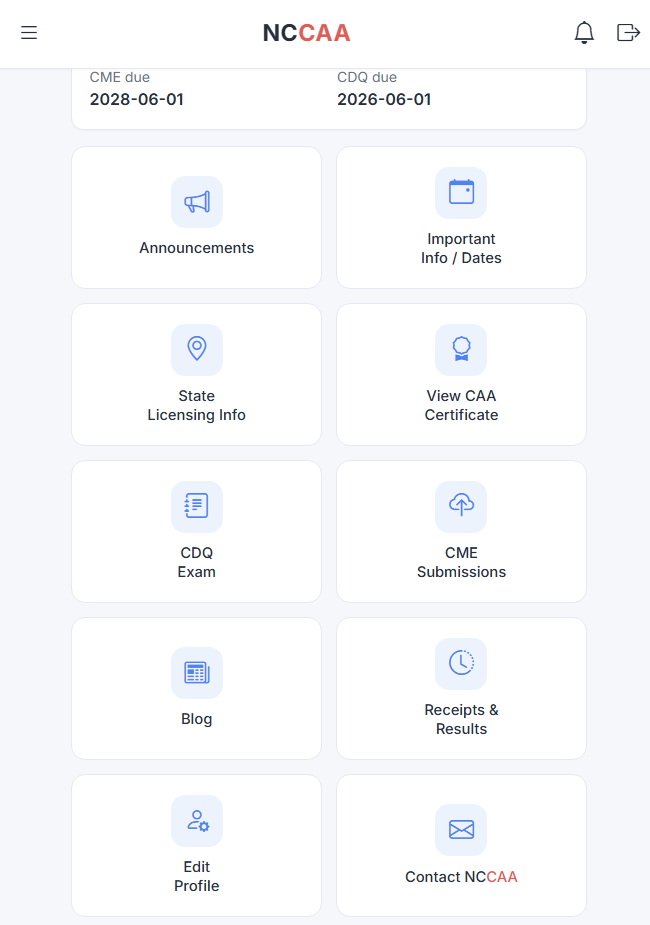
Whether you are logging clinical hours, submitting CME credits, registering for the CDQ Exam, or verifying your certification, the web portal is a complete, fully scaled platform that works seamlessly on your phone, tablet, laptop, or desktop computer.
**NCCAA accounts are established directly by NCCAA in coordination with accredited Anesthesiologist Assistant education program administrators and are reserved for currently enrolled AA students and NCCAA Certified Anesthesiologist Assistants (CAA) only. Accounts cannot be self-created or requested.
How to Log In
- Visit https://nccaa.org/portal/login
- Enter your existing NCCAA username and password — no new registration required.
- If you need to reset your password, select the Password Retrieval option on the login page.
- Your account, records, and full history are all there and ready.
What You Can Do in the Web Portal
- Submit and track CME credits
- Register for the CDQ Exam or Certification Exam
- View certification status and request verification
- Log and review clinical hours (AA students)
- Manage your full NCCAA account profile
Install the Portal on Your Phone
For quick access, you can install the NCCAA portal directly on your phone’s home screen — no app store required.
iPhone / iPad (Safari):
- Open https://nccaa.org/portal/login in Safari.
- Tap the Share button (square with arrow up icon).
- Scroll down and tap Add to Home Screen.
- Tap Add. The NCCAA icon will appear on your home screen.
Android (Chrome):
- Open https://nccaa.org/portal/login in Chrome.
- Tap the menu button (three dots in the top right).
- Tap Install app.
- Confirm. The NCCAA icon will appear on your home screen.
About the Mobile App
The mobile apps you previously downloaded from the Google Play Store and the Apple App Store will be taken down Friday, May 1st for maintenance and upgrades.
The NCCAA mobile app remains an important resource for our community. As part of our ongoing commitment to quality, we are updating the app to meet the most current technical standards from Apple and Google. The web portal ensures that all members have uninterrupted access to NCCAA services throughout this process and going forward.
We continue to invest in both platforms so you can access NCCAA services in the way that works best for you.
Need Help?
If you experience any difficulty logging in, please contact our support team at contact@nccaa.org. We are here to ensure your access is seamless.
 that is profane, sexually explicit, tortious, vulgar, obscene, libelous, abusive, or unlawful, or infringes the rights of others or interferes with the ability of others to access or use the Site;